Analog Watch Control

Analog Watch Control
A control designed to provide a functional and visually appealing analog watch interface.
It includes features like real-time time updates, alarm functionality, a stopwatch, and theme switching.
Features Real-time Clock: Displays the current time with animated hour, minute, and second hands. Date Display: Shows the current date.
Theme Selection: Allows users to switch between different visual themes.
Alarm Functionality: Users can set alarms with custom notifications. Stopwatch: Includes start, stop, and reset options.
Weather Widget (Placeholder): Displays a dummy temperature value.
Custom Alerts: Provides interactive notifications for user actions.
Author: Shahzaib Hassan
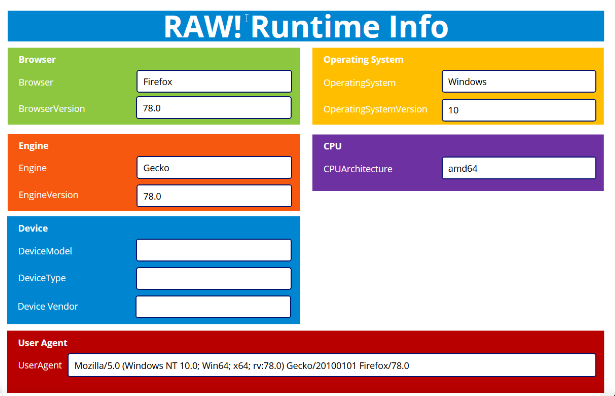
Runtime Info
A control to get additional information about the browser and device running your Canvas App is r...
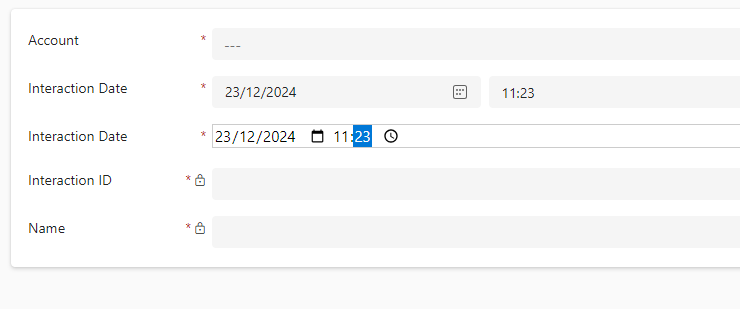
Specific Date Picker
A control implementing a date picker that requires you to enter a specific time (rather than just...
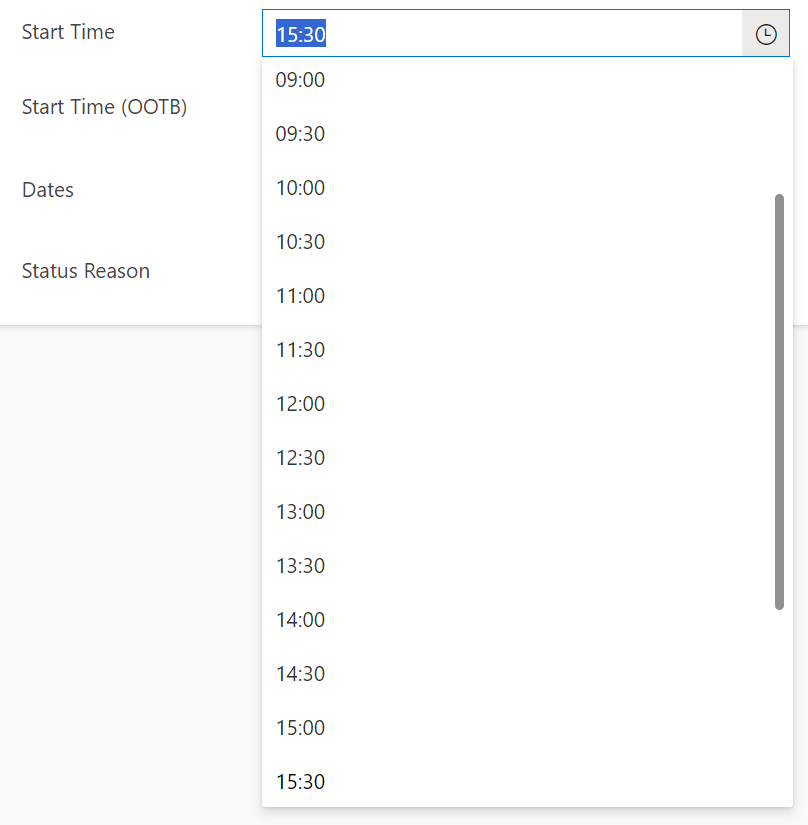
TimePicker PCF
A control to display the time part of a datetime field and supports quick values from a dropdown.
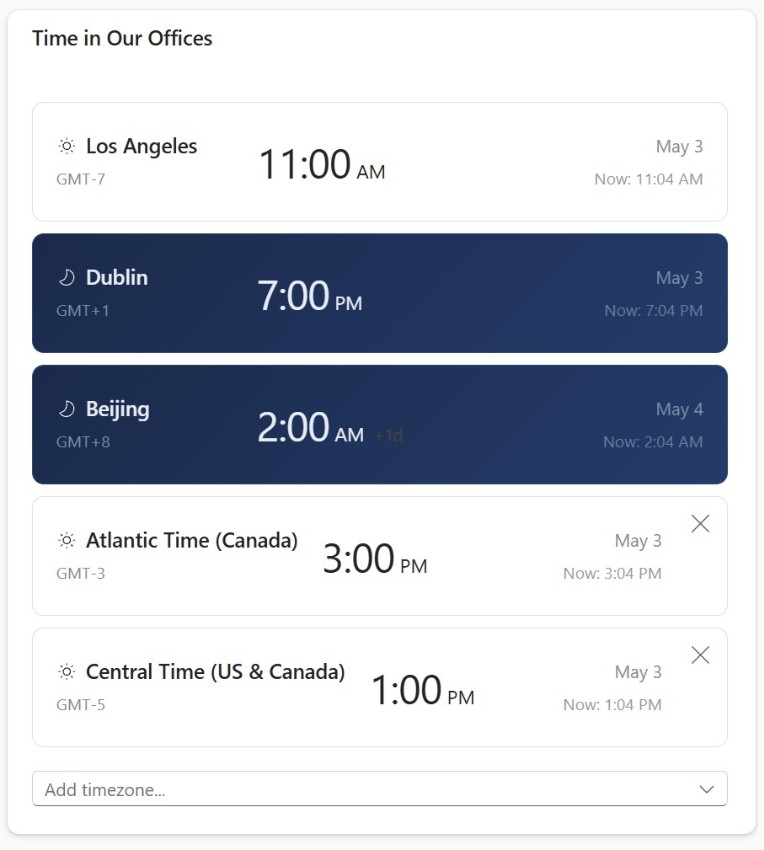
Timezone Display
A control to display a Dataverse DateTime field across multiple timezones on a model-driven form.