Modern Advanced LookUp
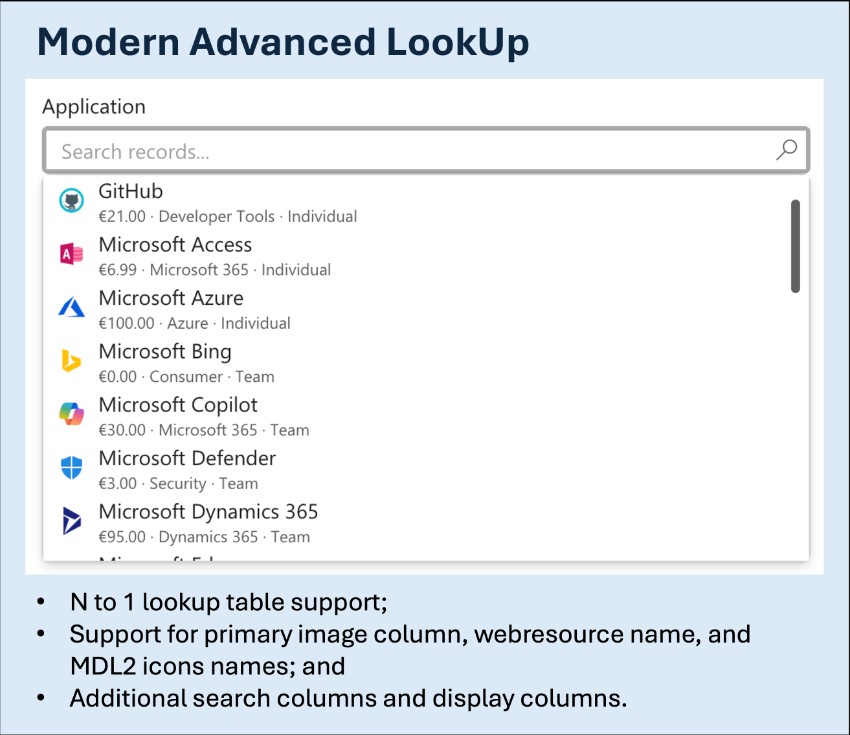
Modern Advanced LookUp
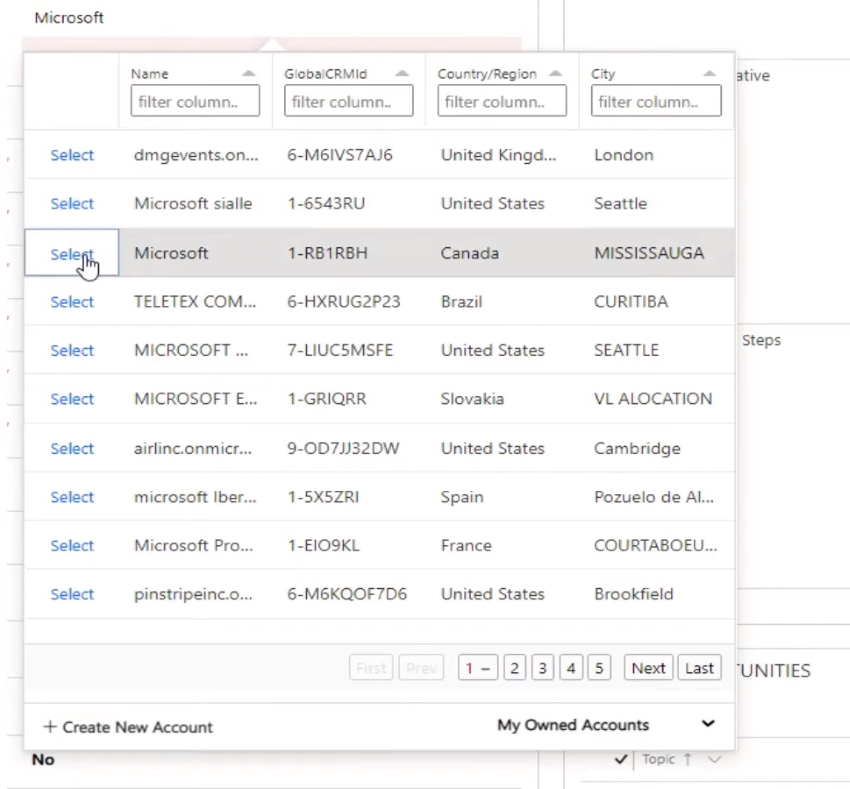
A control that replaces a standard lookup field with a searchable, type-to-filter dropdown backed by live Dataverse search. The Advanced LookUp Component queries Dataverse directly as you type, debounced and re-run on every keystroke, showing a per-record icon (from a picture column, an MDL2 icon-name or web resource name column, or a fixed icon) and a hover tooltip on the selected value instead of the standard lookup dialog. It features additional search and display columns for smaller context text under each result, a Show Inactive Records toggle, a configurable result limit, adjustable component height, and a one-click clear affordance - making it perfect for high-volume lookup tables, customer/vendor selection, or any lookup field where the standard search-by-name dialog feels too slow or too plain.
Author: Maximilian Henkensiefken
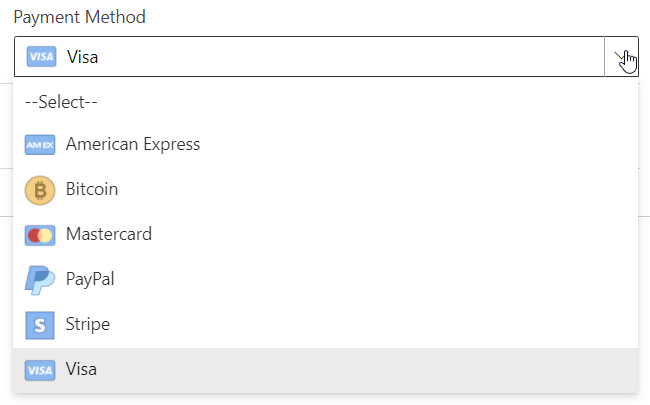
Lookup Dropdown PCF
A control that renders a Lookup field as a Dropdown <ul> <li>Honours the filtering and ordering...
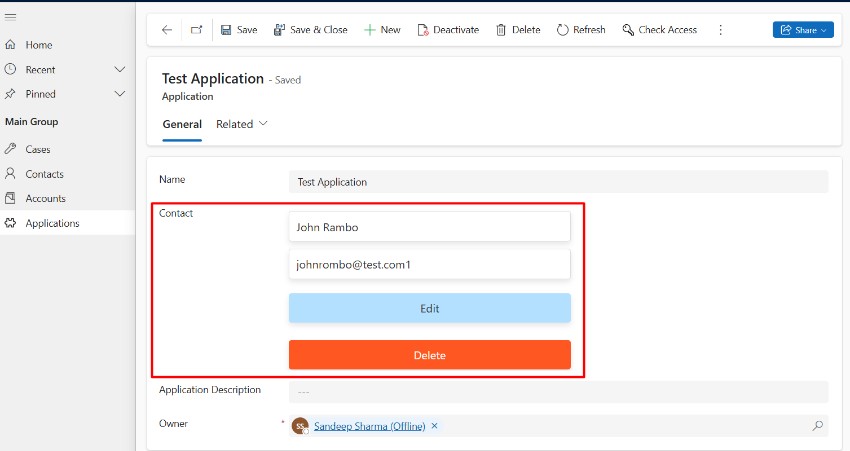
EnhanceLookupEdit
A control that enhances the standard lookup field by enabling inline editing of the selected record.
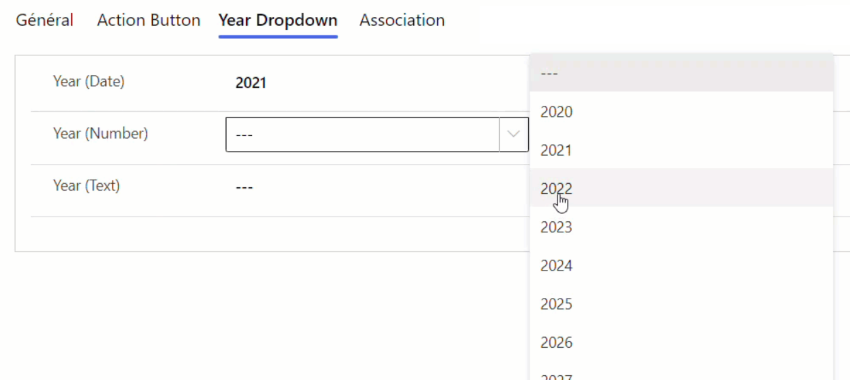
Year Dropdown
A control to allow user to select a year in a dropdown and store the result in a DateTime, Whole ...
Multi Junction Lookup
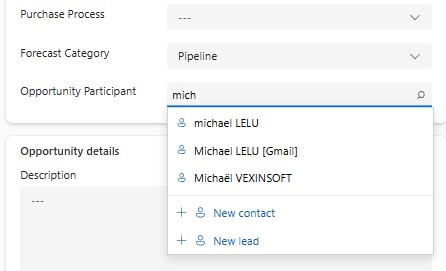
A control that provides a multi-select lookup experience backed by a configurable junction table.
Multilingual Dropdown
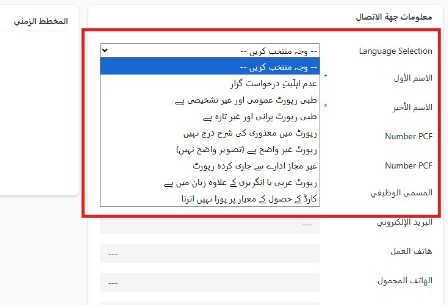
A control that renders a dropdown list with predefined rejection or review reasons.