OptionSet Buttons

OptionSet Buttons
A control designed to be associated with a Choice table column, presenting each choice as a button styled with designated colors.
The component automatically calculates and applies the appropriate text color based on the button's background color to maintain readability.
Additional configuration options to support multilingual UI are not required in this case. Choices may be translated using native translation options available in Power Platform.
Author: Kinga Kazala
OptionSet with Descriptions
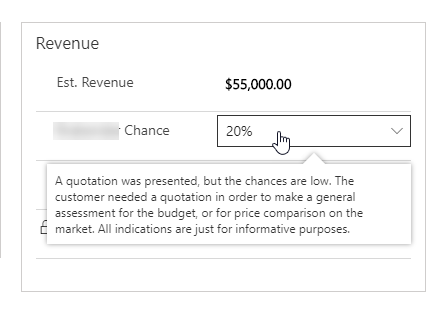
A control that displays a tooltip based on the Option Set description text.
OptionSet Icons
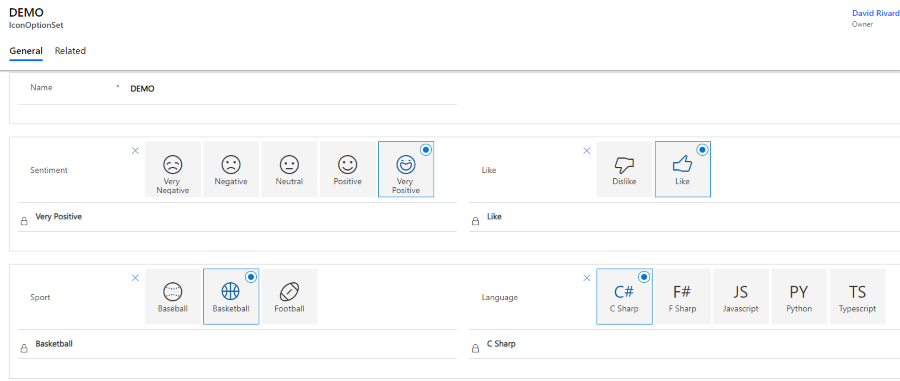
A control to transform an OptionSet field into a configurable Fabric-UI Choice group with Icons, ...
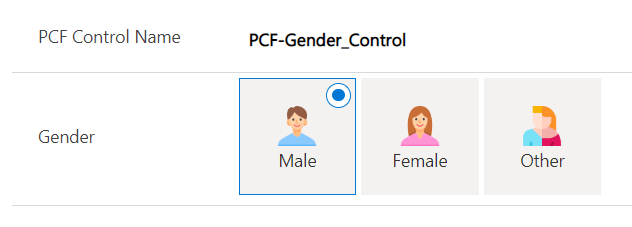
Gender Control
A control that enhances the user experience when interacting with the gender field on Dynamics 36...