CompressResizeImage
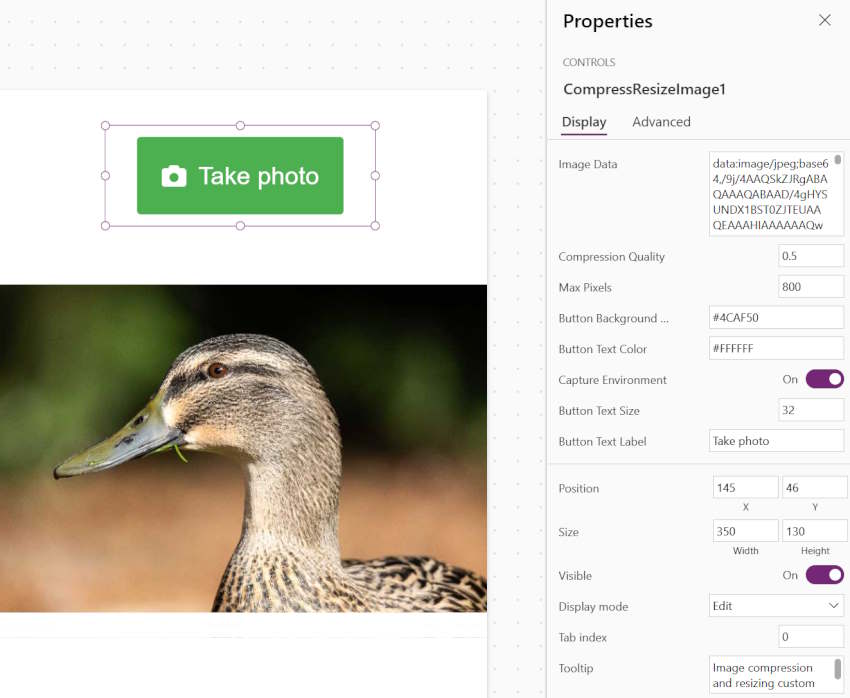
CompressResizeImage
A control that can resize and compress images directly within a Canvas PowerApp. All image processing happens very fast, locally on the device. Features included are:
- Specify the amount of JPG compression you want to apply to captured images
- Specify the maximum pixel dimensions for the long side of the image
- Customize the size and colour of the image capture component button
- Specify whether the camera opens directly when the user selects the image capture button, or whether they should be prompted to choose between uploading from gallery or taking a new photo
By specifying the maximum image dimensions and the amount of JPG compression to apply, images of a more predictable and manageable file size are obtained.
Author: Yanni Cowie
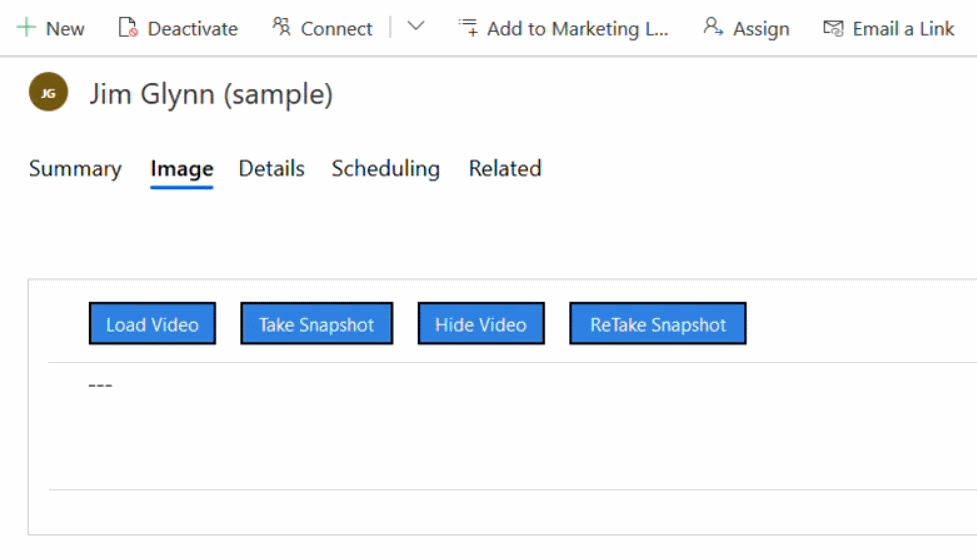
PCF Image Viewer Control
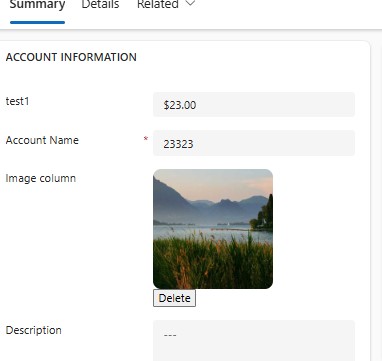
A to display image from URL with preview, delete option, and editable input for Model-Driven Apps.

Url Image Control
A control where you can show an image from the URL that is stored inside a single line of text field
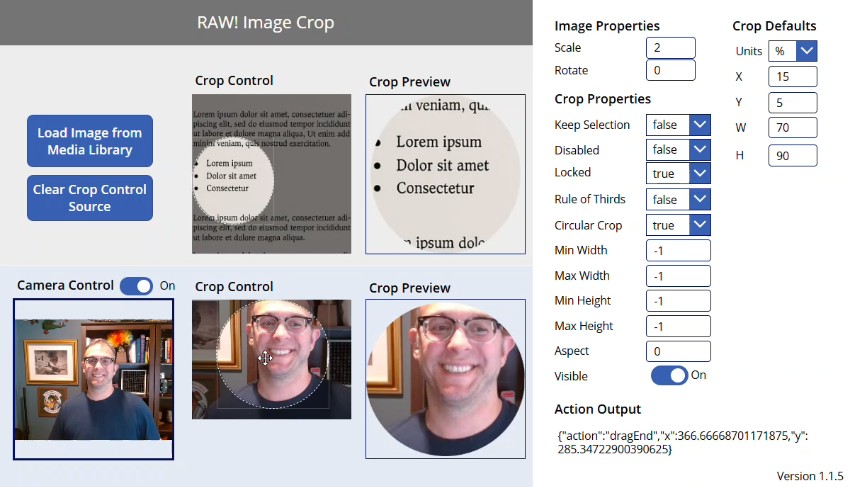
Image Cropper
A control to provides a modern, accessible, and highly configurable image cropping experience.
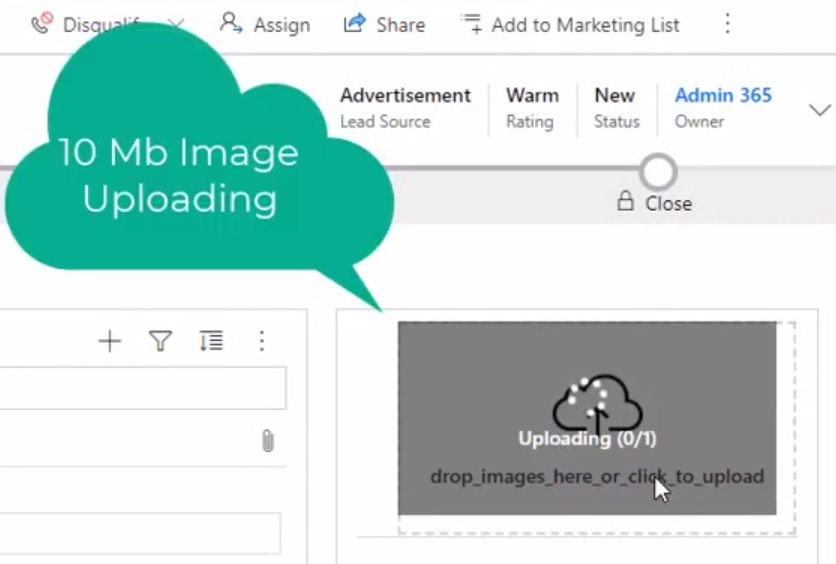
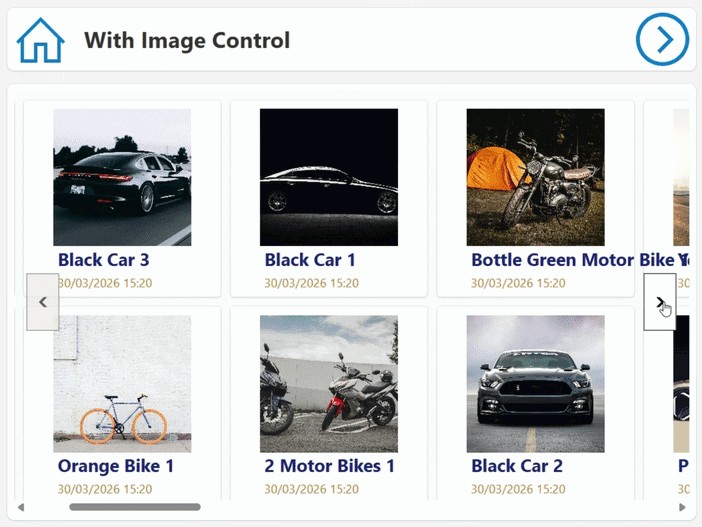
PowerImage Ultra-Light
A control that implements modern web standards to slash image payloads by up to 80%.