HotToast

HotToast
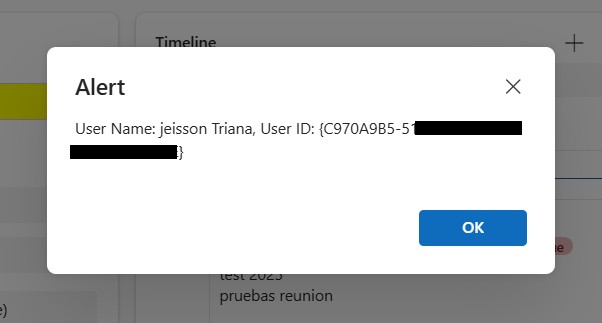
A control to implement Toast notifications for Power Apps Canvas. Shows a stacked toast when triggerKey changes. Supports variants (info/success/warning/error), positions, auto-hide with hover pause, and close button.
Set triggerKey to GUID() to show a toast. Properties: message, variant, durationMs, position, maxToasts. No external dependencies.
Author: Jakub Borowy
Simple Notification
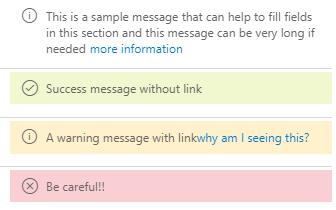
A control to display a notification or an helpful message to the user in a section
Notifications D365
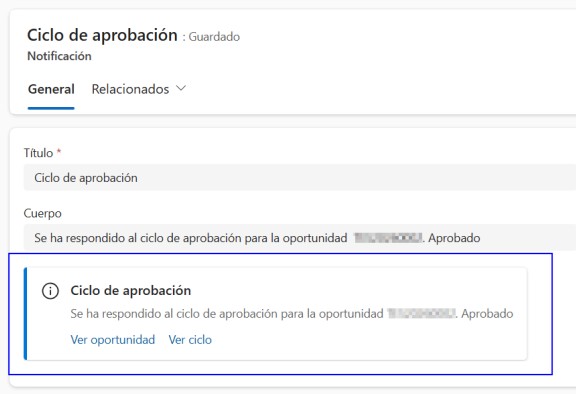
A control that renders and previews Dynamics 365 / Dataverse notifications inside model-driven apps.
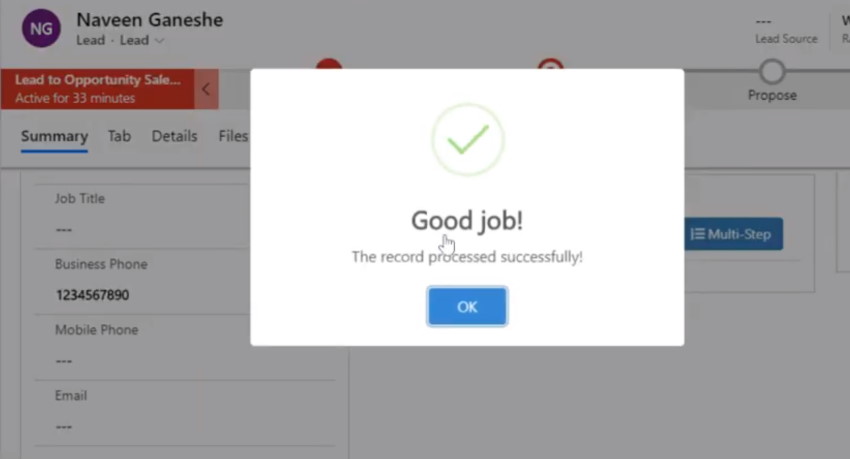
Custom Alerts
A control that shows the custom alerts for success, alert, confirmation, and multistep alert for ...
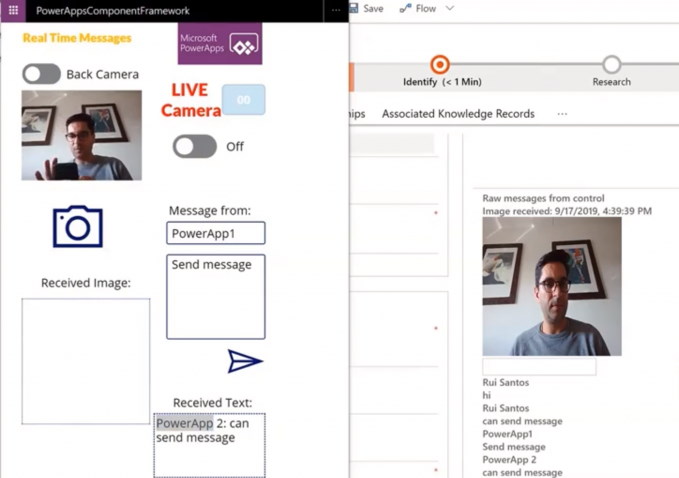
Notification Control
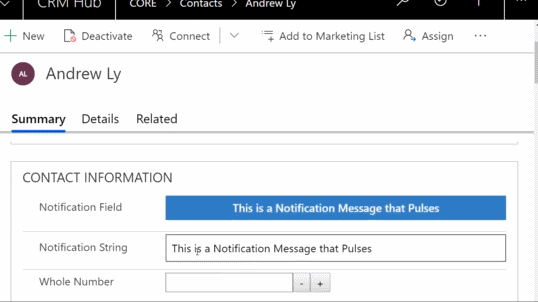
A control that utilizes SignalR to enable real time communication between different PowerApps ins...