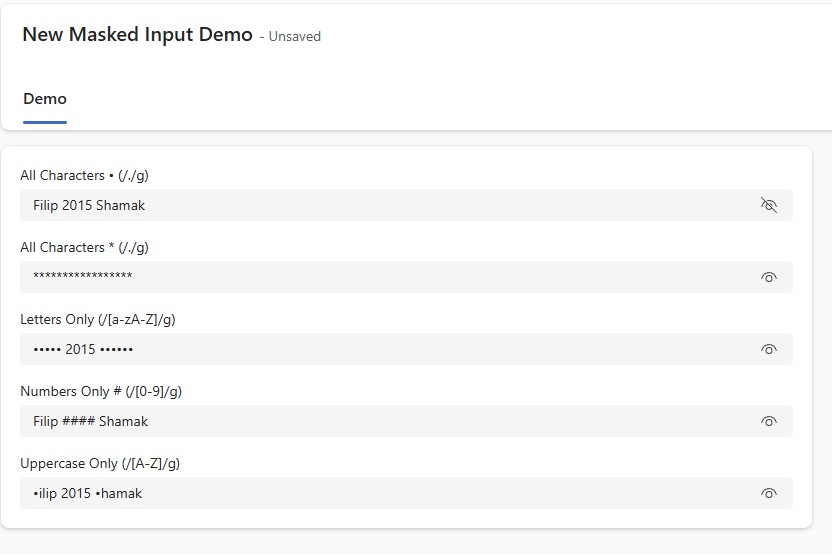
PCFSecureFieldValue

PCFSecureFieldValue
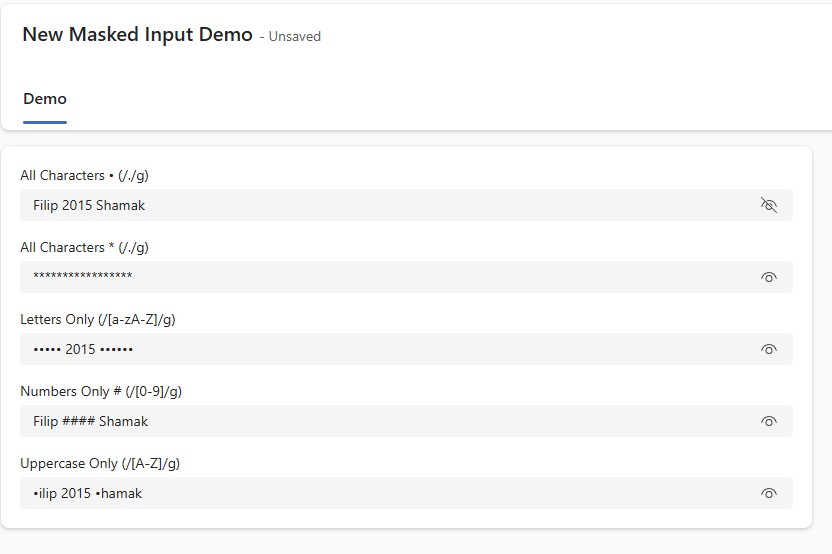
A control to provide a safe and user-friendly way to display sensitive data inside Dynamics 365 Model-Driven Apps and Canvas Apps with a simple toggle button to switch between masked and unmasked values.
Author: Haseeb Ahmad
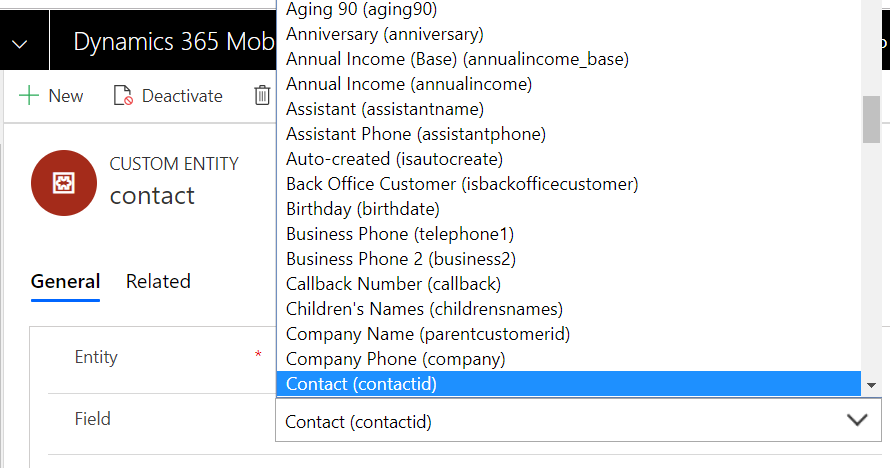
Entity Field Optionset
A custom control to display an optionset populated with field schema names of bound entity.
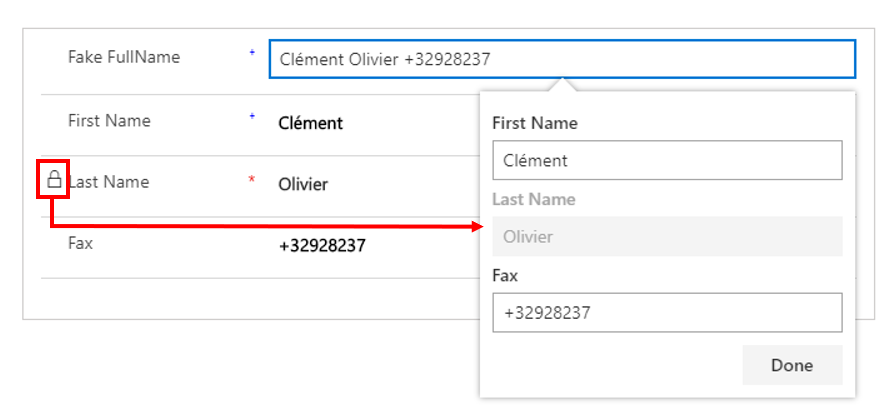
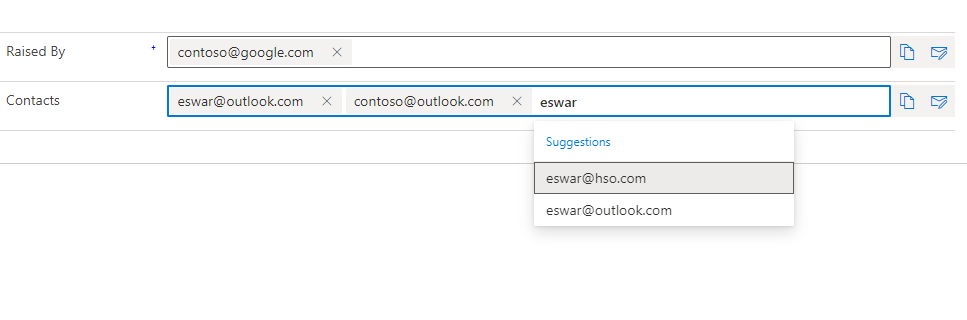
Email Field
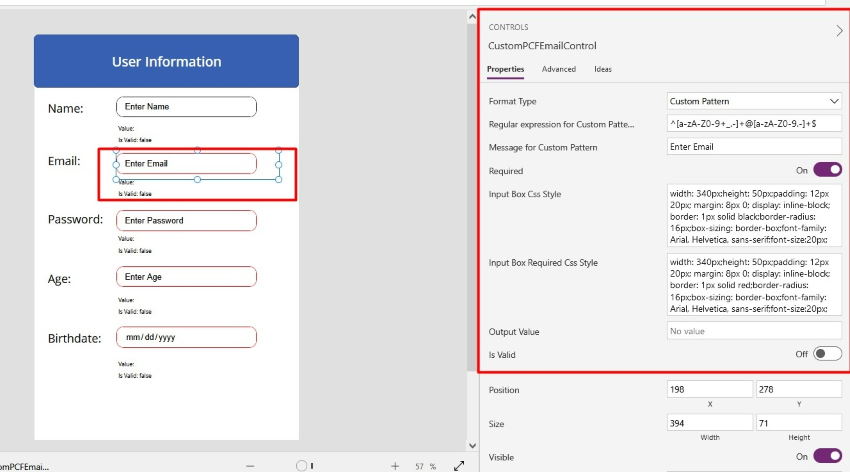
A control to configure a text, text area, multiline text or an e-mail field with an enhanced e-ma...
Input Formatter with Regular Expression
A control to apply validation pattern to HTML5 input control with the help of custom regular expp...