Position Org Chart

Position Org Chart
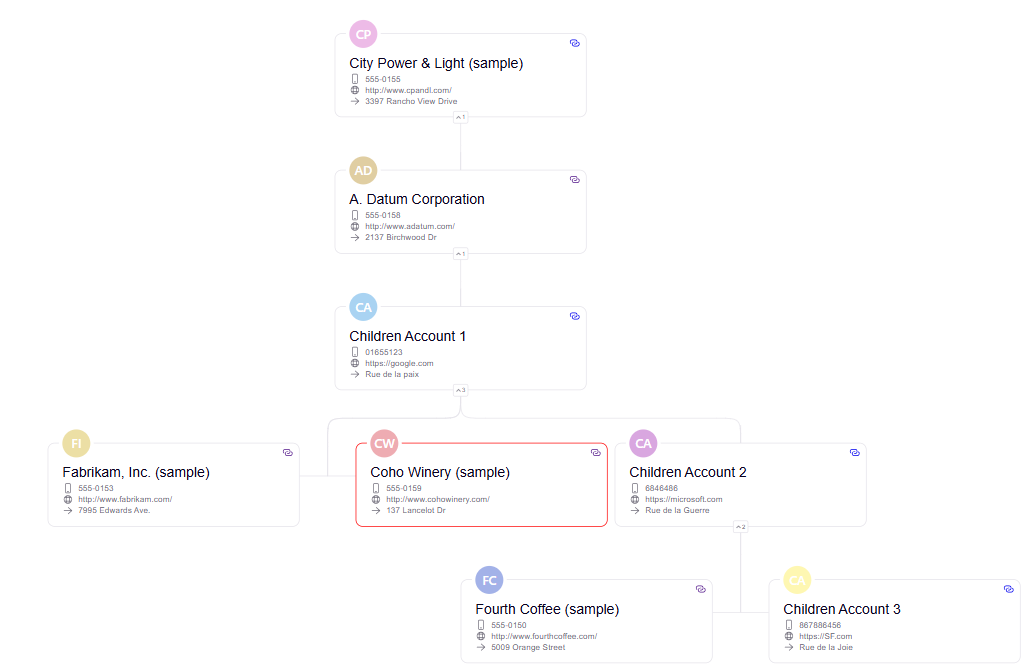
A control that renders an interactive org chart for the Position table in Microsoft Dataverse. It is designed to be used inside a Model Driven App — add it to any Position form, type a position name, hit Build Chart, and the control automatically draws the full hierarchy: ancestors above, the selected position highlighted, and all descendants below.
Author: Damola Ojoniyi
TreeView Control
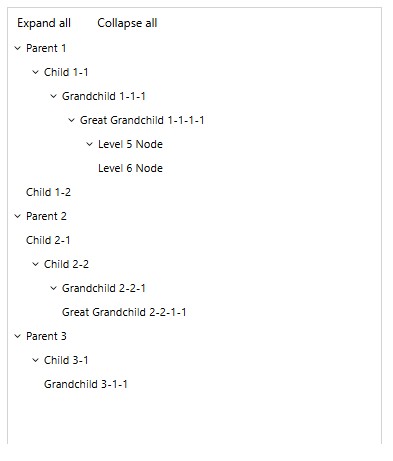
A control to display hierarchical data from both PowerApps collections and Dataverse datasets.
Hierarchy Control
🚀 Introducing the New PCF Hierarchy Control! 🚀 Are you prepared for the retirement of the stan...
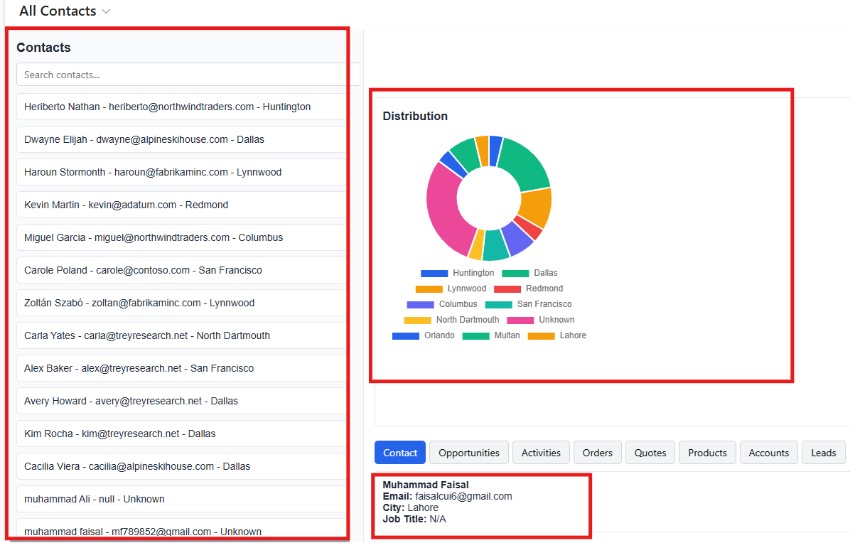
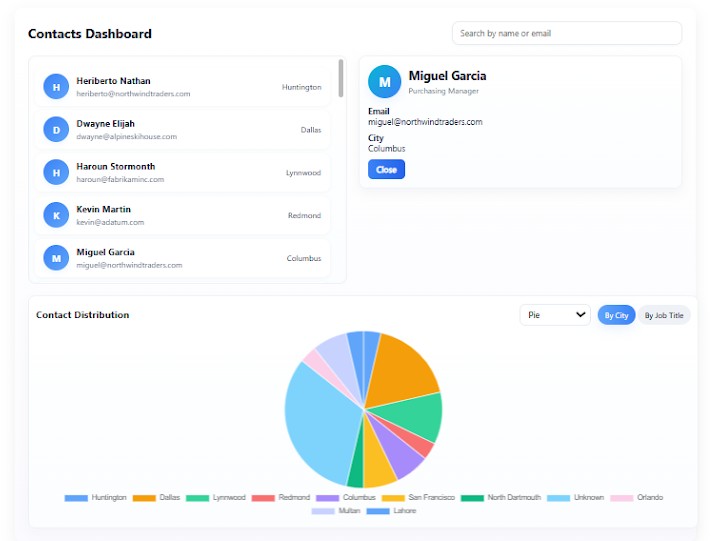
Contact Details Dashboard Control
A control to make customer relationship data visual, interactive, and easy to explore.