Smart Lookup

Smart Lookup
A control to turn plain Dataverse lookup fields into Linear / Notion-grade hover cards. Drop it on any Lookup column and the chip stays familiar — but hovering reveals the related record's primary fields, image, status, last-modified time and a one-click "Open record" button.
The headline feature: SmartLookup reads your Quick View Forms. Admins drag fields onto the related entity's QVF in the standard Power Apps form designer, save it, and SmartLookup picks up the new field list on the next form refresh. No per-PCF setup, no JSON config, no PCF redeploy.
Author: Syed Bilal Ahmed
TreeLookup
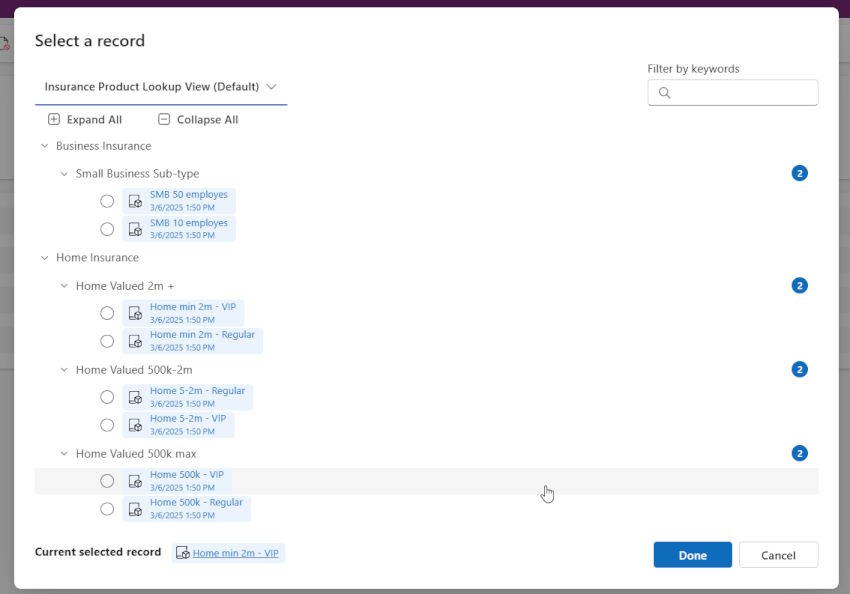
A control for lookup fields which allow users to select a record from a tree view dialog.
Power Apps Grid Control Quick Edit Form
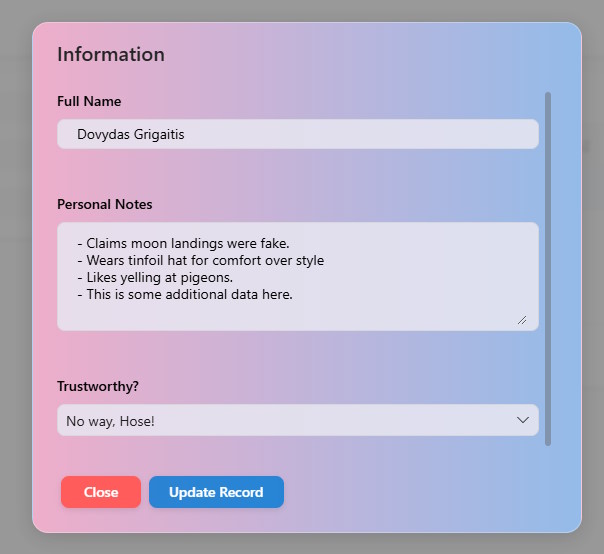
A control that renders selected column into button that invokes highly customizable Fluent UI dia...
MultiSelect Lookup
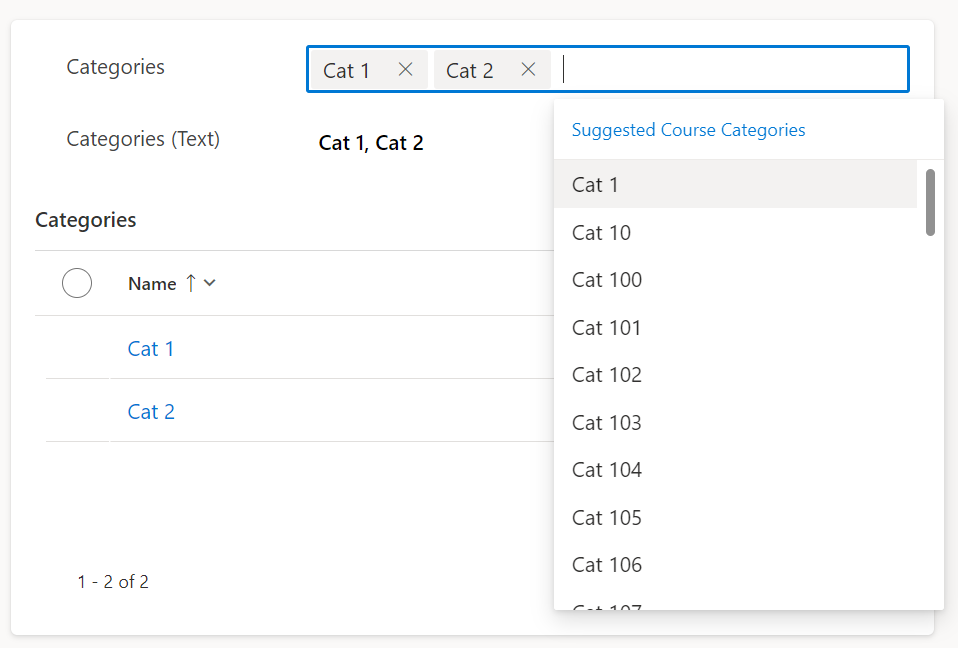
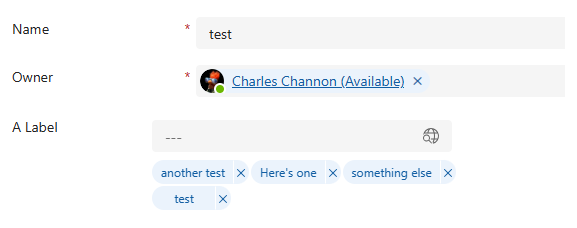
A control that presents an N:N relationship as a multi-select lookup control with taglist
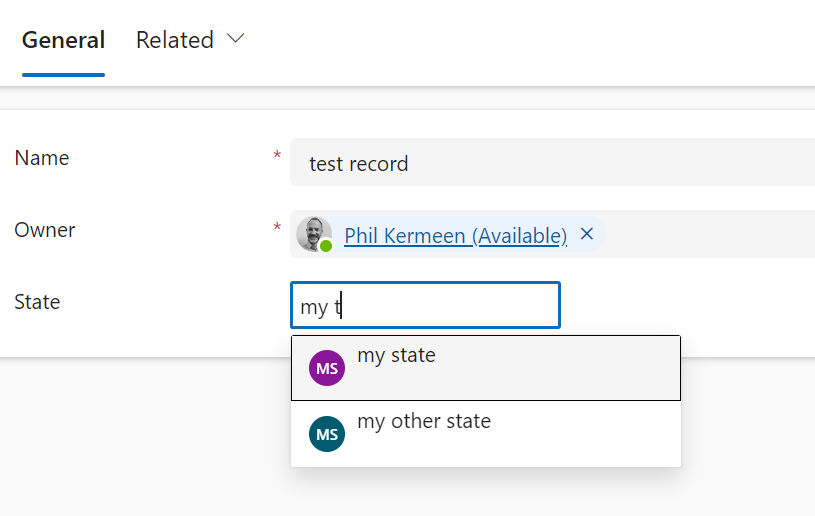
Fuzzy Search Lookup
A control for lookups that uses Dataverse Search Fuzzy Logic to help catch user typos.