Hierarchy Control with Tree View navigation
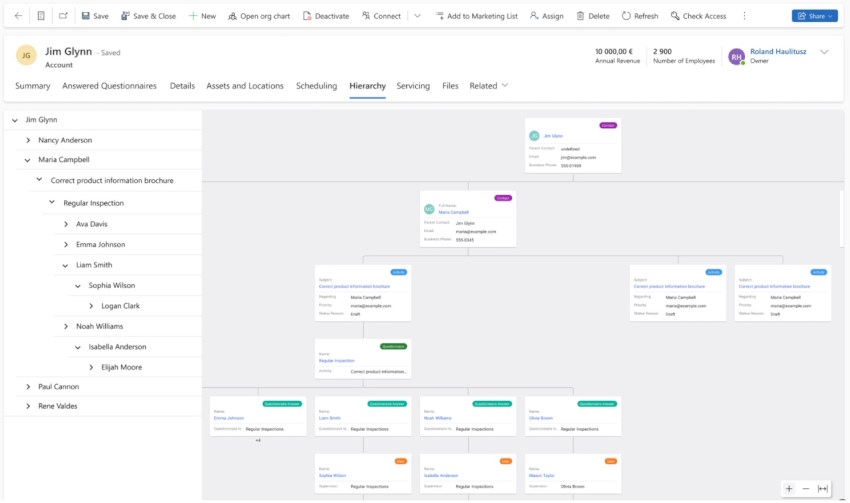
Hierarchy Control with Tree View navigation
🚀 Interactive Data Visualization – Navigate & Understand Your Data Like Never Before!
Unlock a powerful way to explore and analyze data with our dual-view interface! 🧐 Designed for clarity and ease of use, this interactive system allows users to seamlessly navigate through complex data structures.
🔍 How It Works?
✅ Tree View (Left Panel): Organize and browse hierarchical data effortlessly. Expand and collapse nodes to drill down into different levels, making it easy to locate and manage specific information.
✅ Graph Visualization (Right Panel): Get an instant visual representation of your selected item’s structure and relationships. This dynamic graph helps you grasp complex dependencies, levels, and interconnections at a glance.
Author: Resco
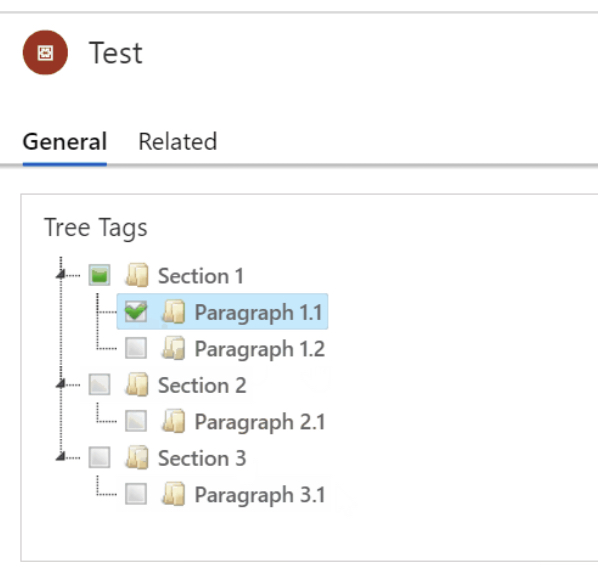
Tree Relationships
A control to display a hierarchy of tags (mapped to a many-to-many relationship) using a treeview.
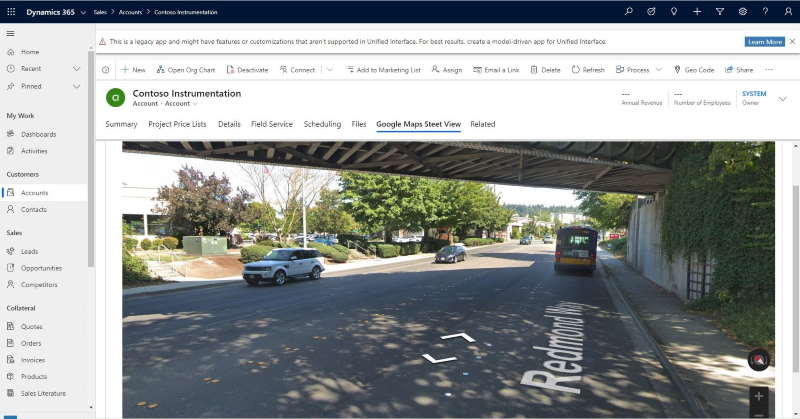
Google Maps Street View
A control to render Google Maps Street View using the location information for an account (lat/long)
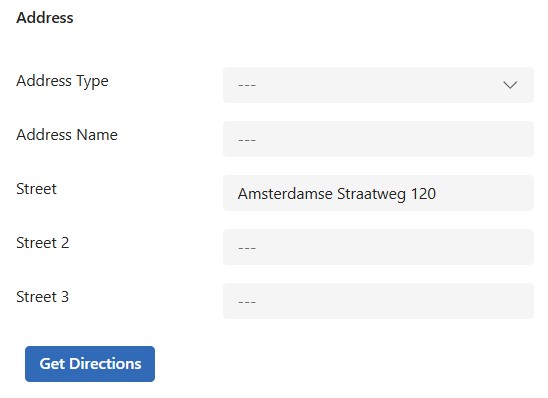
Get Directions PCF Button
A control that adds a button to a model-driven form. One click opens turn-by-turn directions.
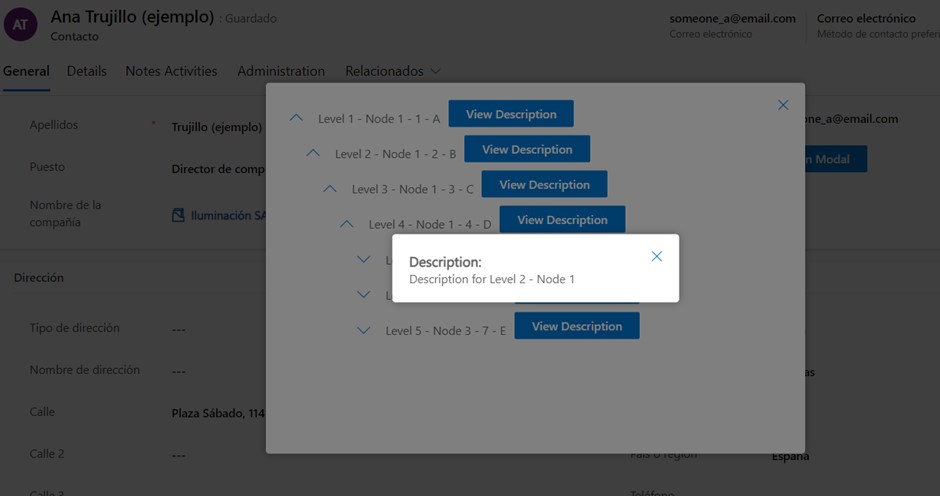
JsonTreeViewer
A control to make a HTTP Request to an endpoint, it will display the response (JSON format) in a ...