Hierarchy PCF Control
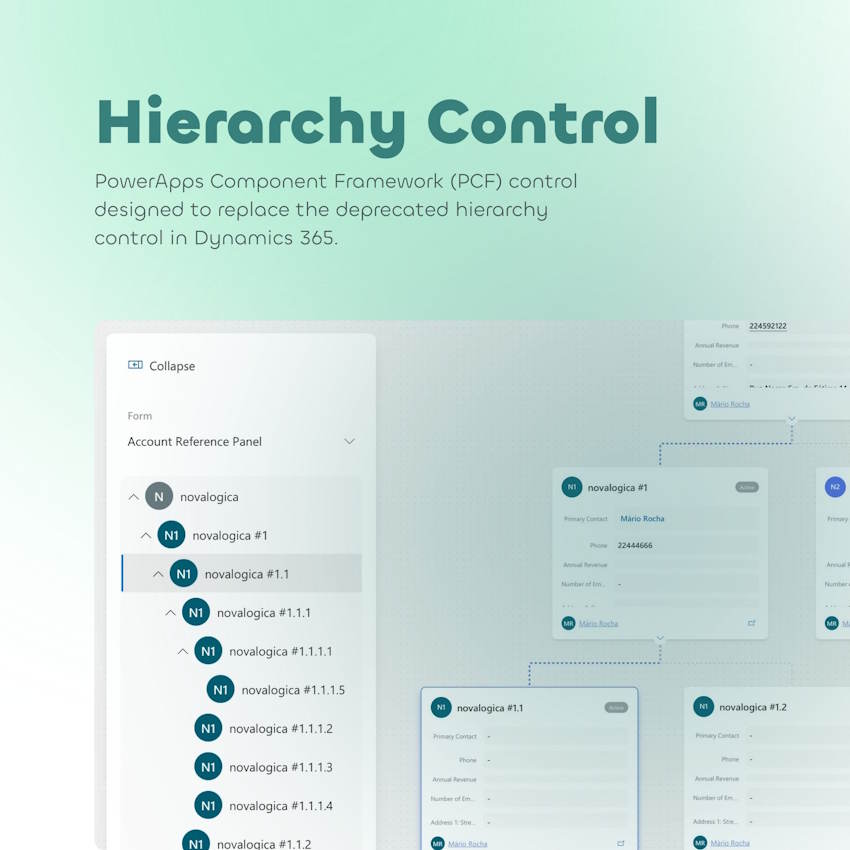
Hierarchy PCF Control
This PowerApps Component Framework (PCF) control is designed to replace the deprecated hierarchy control in Dynamics 365. 🚀
It offers enhanced functionality and flexibility, allowing users to visualize and interact with hierarchical data in a more dynamic and user-friendly way. 🎯
✨ Universal Compatibility: Works with any entity that has an active hierarchy-type relationship.
🎨 Customizable Display: Displays all fields from the selected card form, enabling users to choose which fields to display.
🔗 Lookup Support: Supports lookup fields, enabling users to click and navigate to related records.
📌 Dynamic Node Cards: Displays multiple columns on node cards, with expand/collapse functionality to show or hide child nodes.
🌳 Side Panel with Tree View: Includes a collapsible side panel with a tree component for easy navigation. Clicking a node in the tree centers it in the main view.
📊 Interactive Hierarchy Chart: The hierarchy chart can be fully expanded, collapsed, and moved around for better visibility.
🔍 Zoom Functionality: Includes zooming options (scroll or dedicated controls) for easier navigation of large hierarchies.
Author: Mário Rocha
Author: novalogica
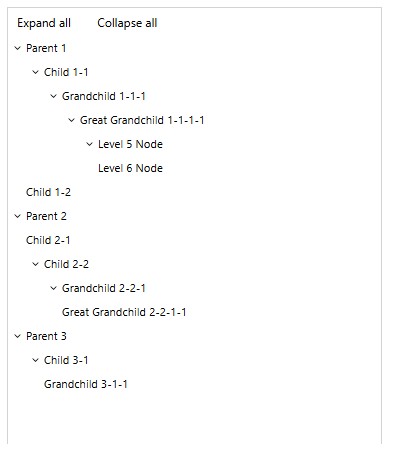
TreeView Control
A control to display hierarchical data from both PowerApps collections and Dataverse datasets.
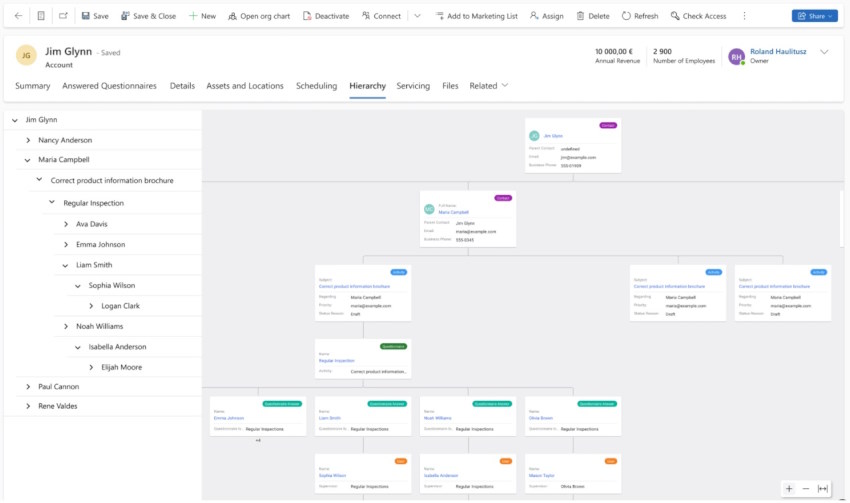
Hierarchy Control with Tree View navigation
🚀 Interactive Data Visualization – Navigate & Understand Your Data Like Never Before! Unlock a ...
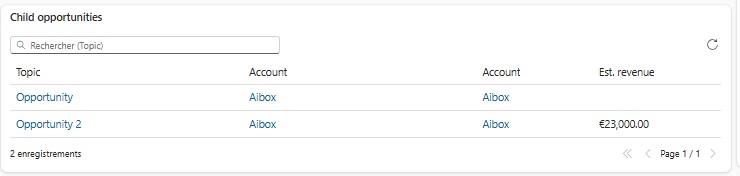
Hierarchy Related Grid
A control that displays, on a parent record, the related records of the whole hierarchy below it.
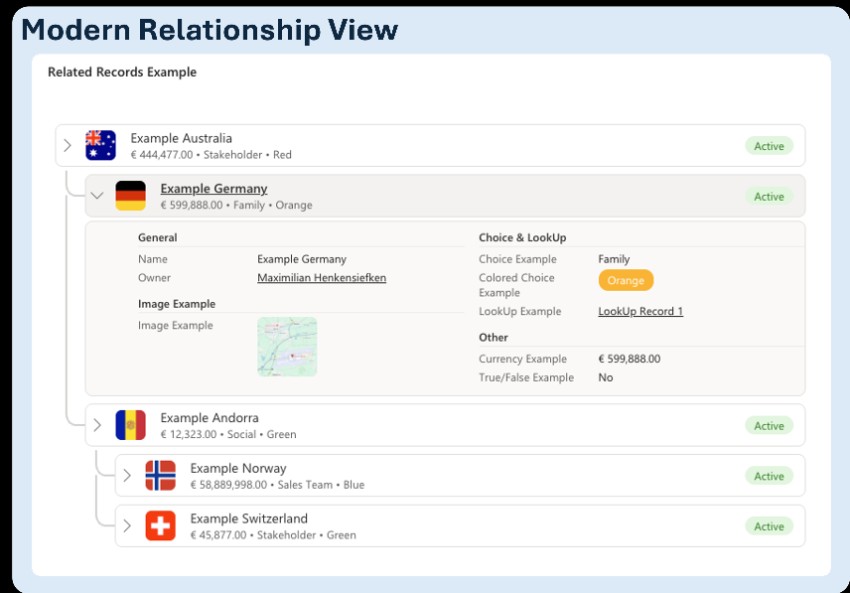
Modern Relationship View
A control that replaces a self-referential lookup field with the record's full hierarchy.
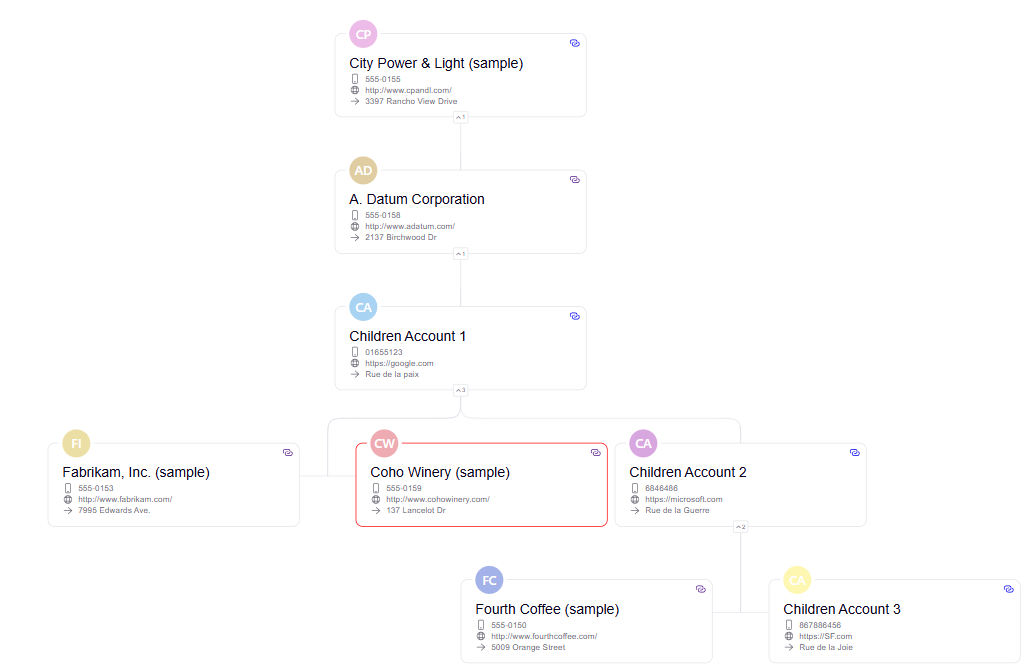
Hierarchy Control
🚀 Introducing the New PCF Hierarchy Control! 🚀 Are you prepared for the retirement of the stan...
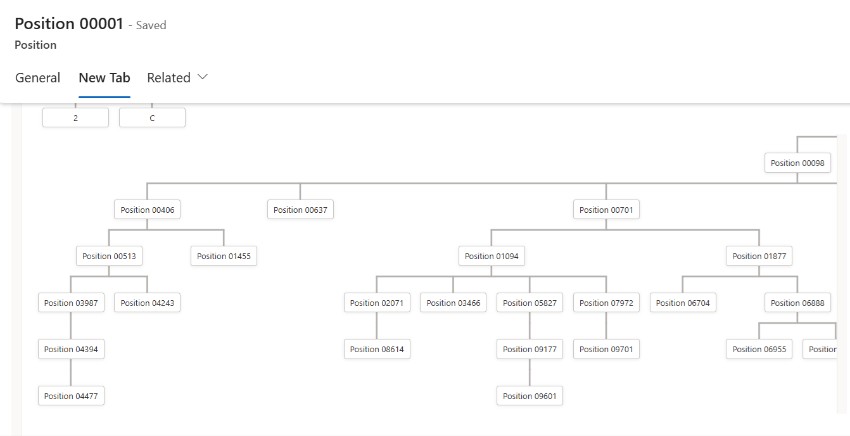
Position Org Chart
A control that renders an interactive org chart for the Position table in Microsoft Dataverse.