Progress Indicator

Progress Indicator
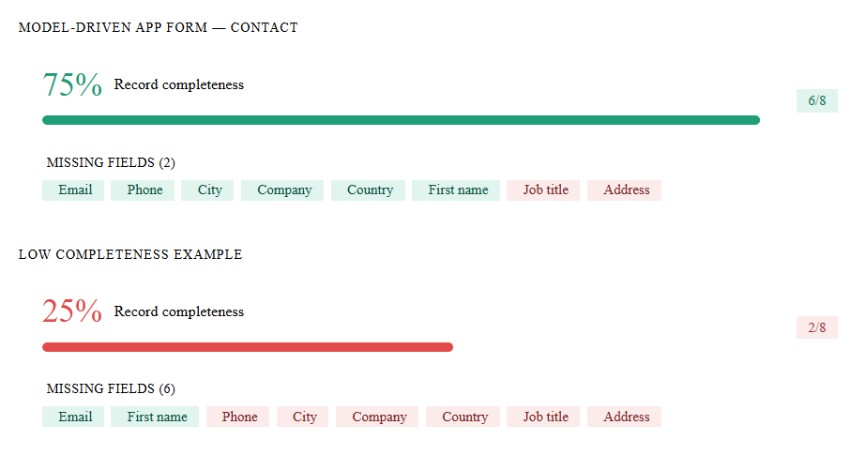
A control to visualize percentage values stored in a text field (1–100%) as a progress bar. The control automatically adjusts bar length and color based on the value, and displays the percentage inside the bar.
Features:
Works with Single Line of Text fields containing values between 1–100%.
Displays a progress bar with centered percentage text.
Color changes dynamically:
< 30% → 🔴 Red
30–50% → 🟠 Orange
51–99% → 🔵 Blue
100% → 🟢 Green
Smooth animation and responsive design.
Simple, no external dependencies.
Author: Haseeb Ahmad
Progress Bar
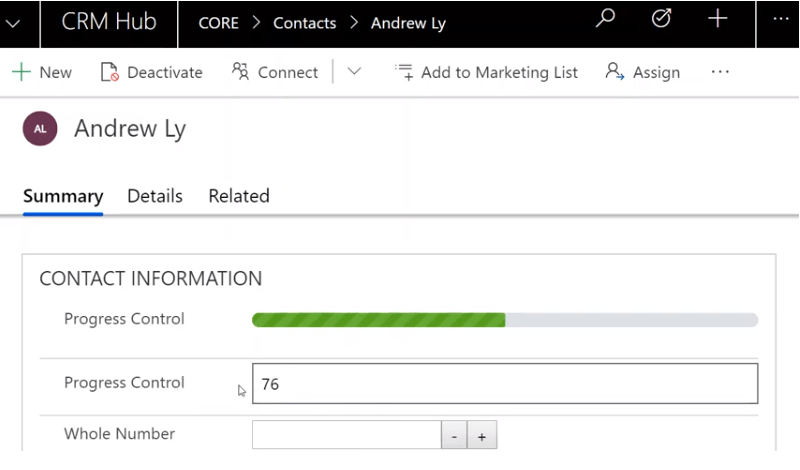
The Progress Bar control takes a number value (whole number, floating point, decimal) and then re...

Validated Input Control
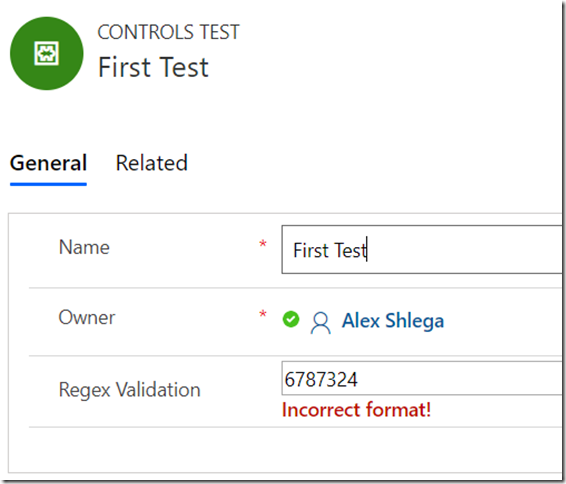
A control to replace a regular input box and add regular expression validation.
Multiline Text Control
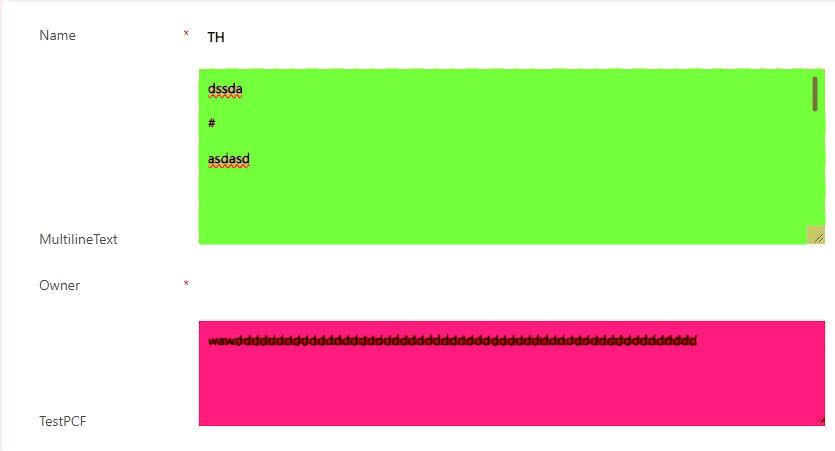
A control to limit the numbers of lines and background color of a multiline text field.
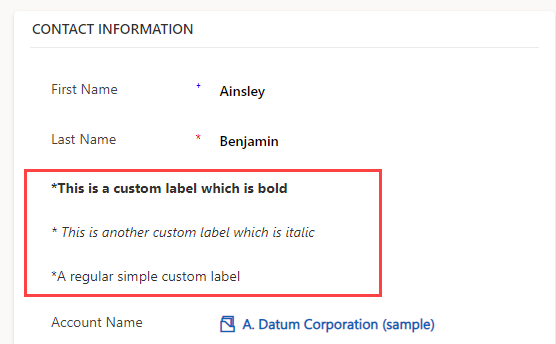
Custom Label
A label control that allows you to show static text with ability to make it bold and/or italic.